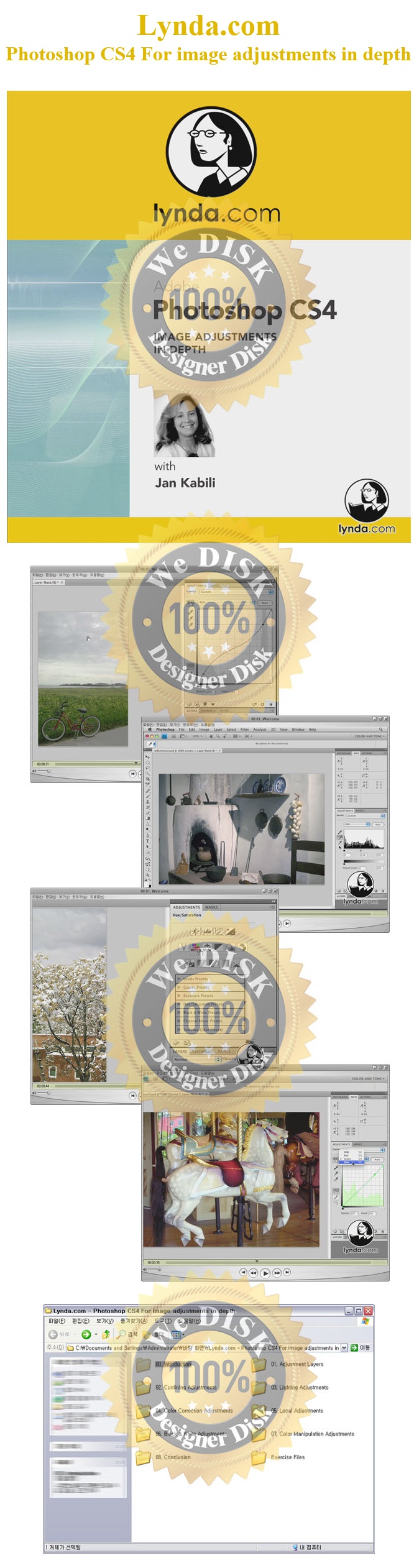
[Ps] Photoshop CS4 Adjustments in depth - Lynda.com 동영상
- 파일.폴더
- ico[Ps] Photoshop CS4 Adjustments in depth - Lynda.com 동영상
| 파일명 | 용량 | 확장자 | 재생시간 | 해상도 |
|---|---|---|---|---|
| 00 01. Welcome.mov | 19 M | MOV | - | - |
| 00 02. Using the exercise files.mov | 700.7 K | MOV | - | - |
| 00 03. Setting up a workspace.mov | 3.7 M | MOV | - | - |
| 0002.jpg | 434.4 K | JPG | - | - |
| 01 01. Creating and editing adjustment layers.mov | 6.5 M | MOV | - | - |
| 01 02. Adjustment layers vs. direct adjustments.mov | 5.9 M | MOV | - | - |
| 01 03. Using the new Adjustments panel.mov | 6.2 M | MOV | - | - |
| 01 04. Reusing adjustment layers.mov | 3.1 M | MOV | - | - |
| 02 01. Clipping adjustment layers.mov | 4.5 M | MOV | - | - |
| 02 02. Including adjustment layers in a layer group.mov | 3.5 M | MOV | - | - |
| 02 03. Including adjustment layers in a Smart Object.mov | 9.2 M | MOV | - | - |
| 02 04. Using the adjustment layer mask.mov | 7.1 M | MOV | - | - |
| 02 05. Using selections with adjustment layers.mov | 6.9 M | MOV | - | - |
| 02 06. Using the Masks panel with adjustment layers.mov | 12.8 M | MOV | - | - |
| 02 07. Using the Blend If sliders with adjustment layers.mov | 9.4 M | MOV | - | - |
| 03 01. Reading the Histogram panel.mov | 6.8 M | MOV | - | - |
| 03 02. Using the Levels adjustment for tonal corrections.mov | 6.9 M | MOV | - | - |
| 03 03. Using the Curves adjustment for exposure.mov | 9 M | MOV | - | - |
| 03 04. Using the Curves adjustment for contrast.mov | 5.7 M | MOV | - | - |
| 03 05. Making On-Click Curves adjustments.mov | 3.8 M | MOV | - | - |
| 03 06. Applying Shadow Highlight nondestructively.mov | 14.6 M | MOV | - | - |
| 03 07. Reviewing Brightness Contrast.mov | 3.9 M | MOV | - | - |
| 03 08. Dealing with exposure .mov | 2.8 M | MOV | - | - |
| 03 09. Using adjustment layers with blend modes.mov | 8.3 M | MOV | - | - |
| 04 01. Making Vibrance adjustments.mov | 2.4 M | MOV | - | - |
| 04 02. Using Hue Saturation adjustments.mov | 8.3 M | MOV | - | - |
| 04 03. Understanding color correction.mov | 2.7 M | MOV | - | - |
| 04 04. Using color samplers and the Info panel.mov | 4.4 M | MOV | - | - |
| 04 05. Using Levels eyedroppers for color correction.mov | 5.9 M | MOV | - | - |
| 04 06. Using Levels channels for color correction.mov | 4.9 M | MOV | - | - |
| 04 07. Understanding Curves adjustments for color correction.mov | 7 M | MOV | - | - |
| 04 08. Making Color Balance adjustments.mov | 5 M | MOV | - | - |
| 04 09. Making Photo Filter adjustments.mov | 3.5 M | MOV | - | - |
| 04 10. Making Variations adjustments.mov | 12.7 M | MOV | - | - |
| 04 11. Using the auto-correction features.mov | 8.6 M | MOV | - | - |
| 05 01. Using the Dodge and Burn tools.mov | 6 M | MOV | - | - |
| 05 02. Dodging and burning nondestructively.mov | 7.2 M | MOV | - | - |
| 05 03. Working with the Red-Eye tool.mov | 1.5 M | MOV | - | - |
| 06 01. Applying Black & White adjustments.mov | 8.4 M | MOV | - | - |
| 06 02. Making Channel Mixer adjustments.mov | 7.4 M | MOV | - | - |
| 06 03. Understanding the Threshold adjustment.mov | 2.6 M | MOV | - | - |
| 08 01. Goodbye.mov | 534 K | MOV | - | - |
| Ex_Files_PSCS4_ImageAdj.zip | 48.9 M | ZIP | - | - |
파일캐스트는 언제어디서나 모바일로 실시간 감상이 가능합니다.